Tires that have appointments with PICK orders will be listed on the app in the Tires to Get from Storage tile.
Please Note: Dealers with the Enhanced Storage must Install Tires on Vehicle to complete PICK orders.
1. Tap the Tires to Get from Storage tile on the main screen. TIP: To filter by date, tap the All Dates field and select the dates for which you want to pick tires. Double tap the same date if you just want the one day. | 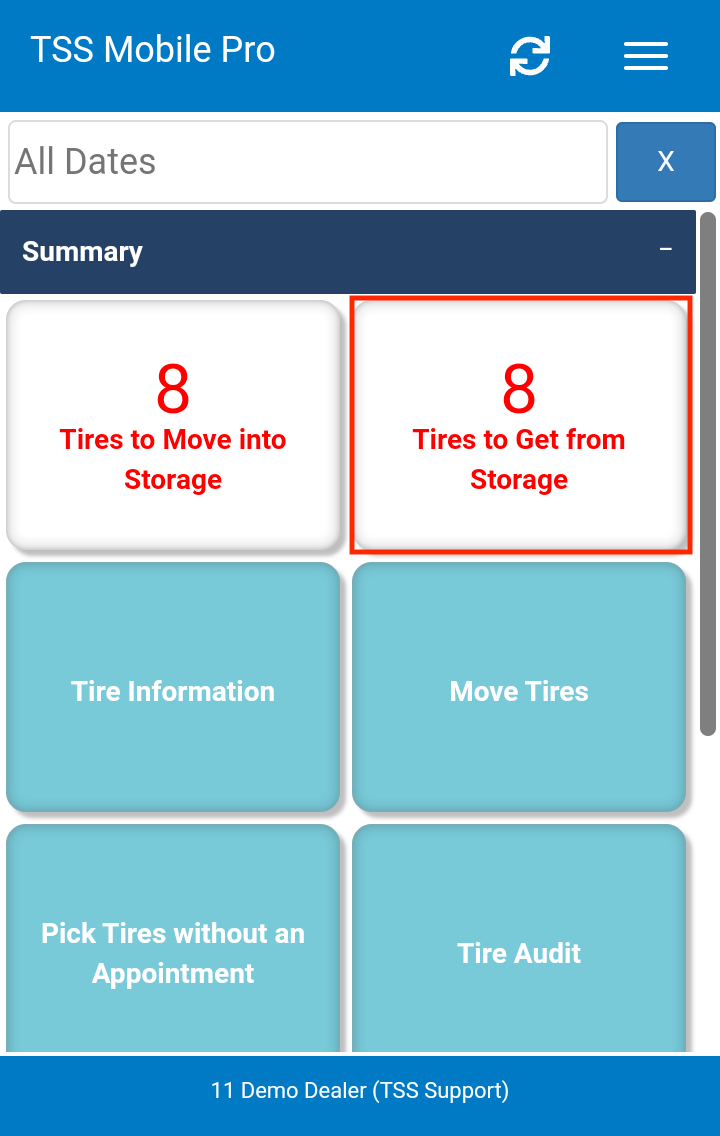 |
2. Scan or manually select the tires that are being retrieved from storage.
| 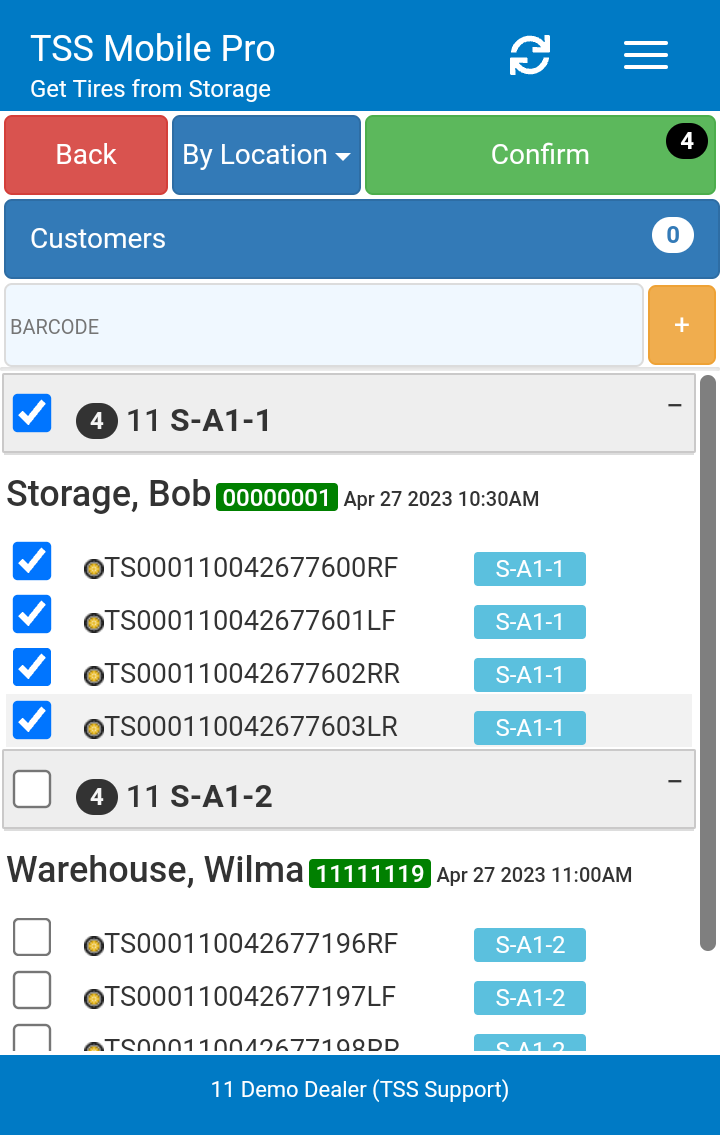 |
3. Tap the Confirm button and then OK and wait for the confirmation. | 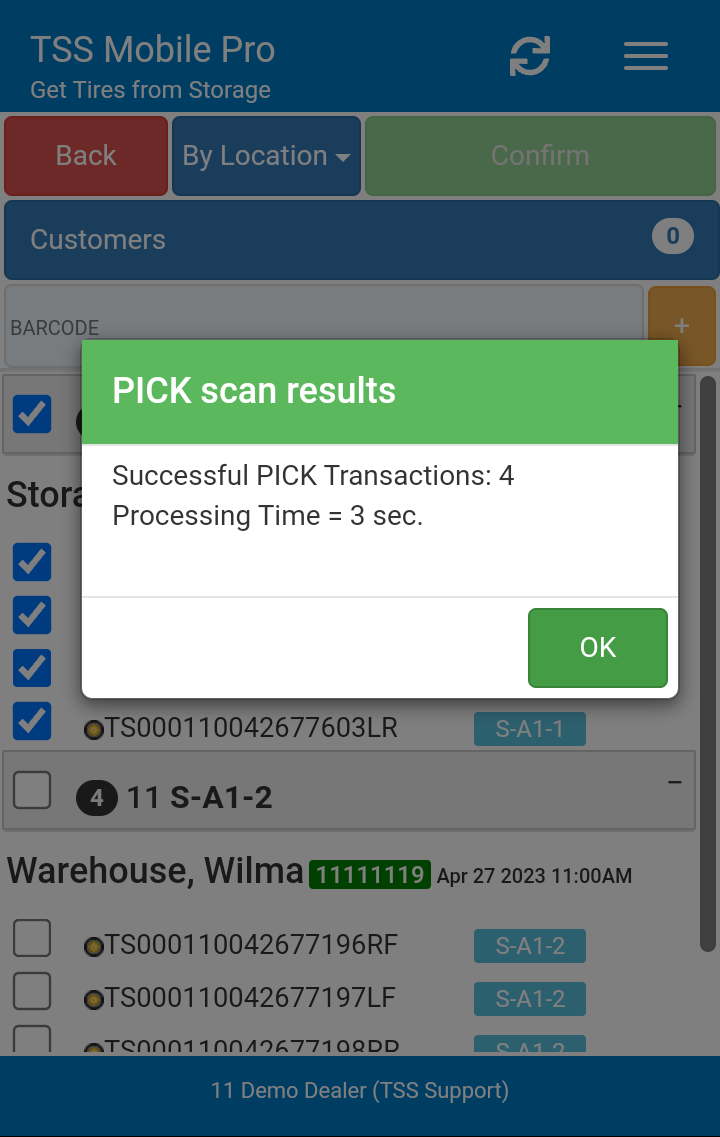 |