Activer le scanner laser
1. Search the list of apps for ScanWedge. | 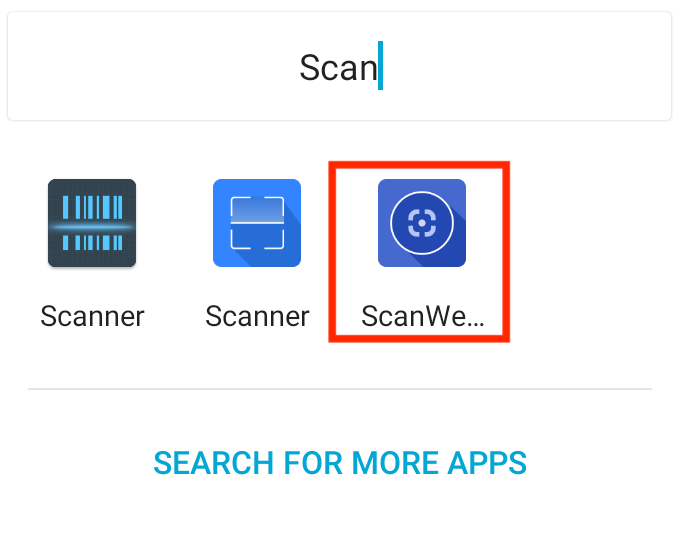 |
2. Tap Default. | 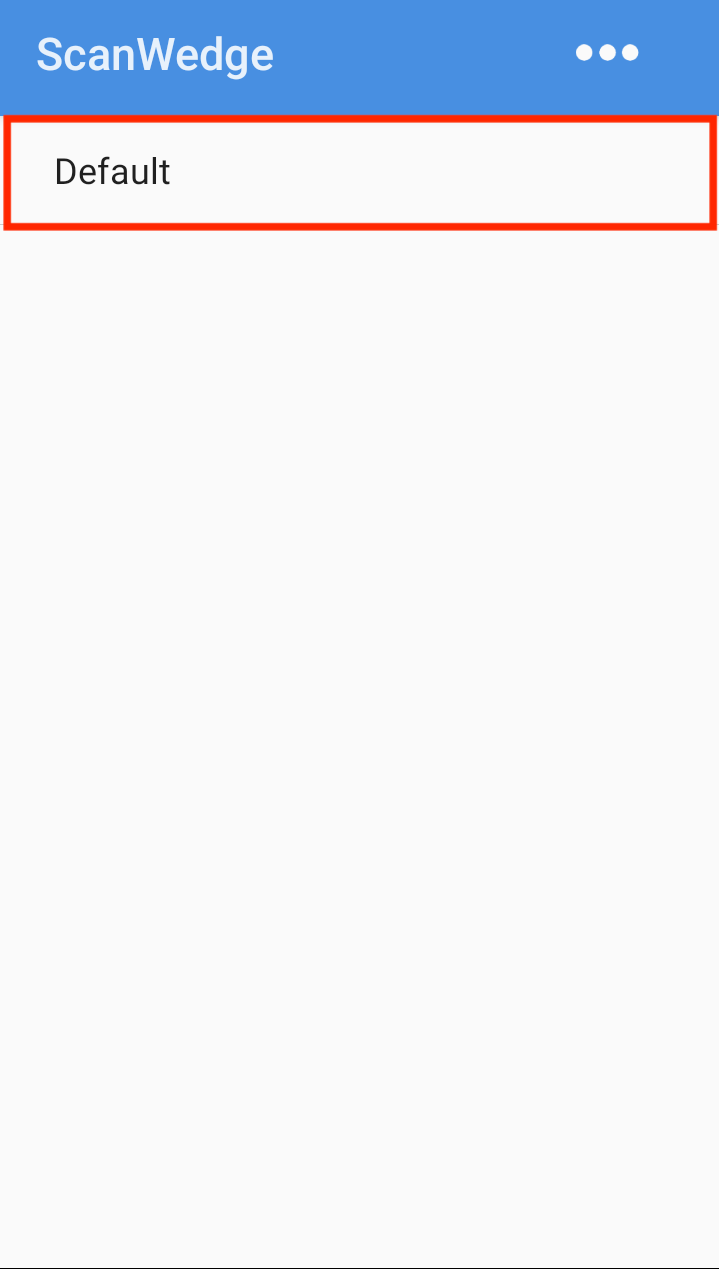 |
3. Tap Output mode. | 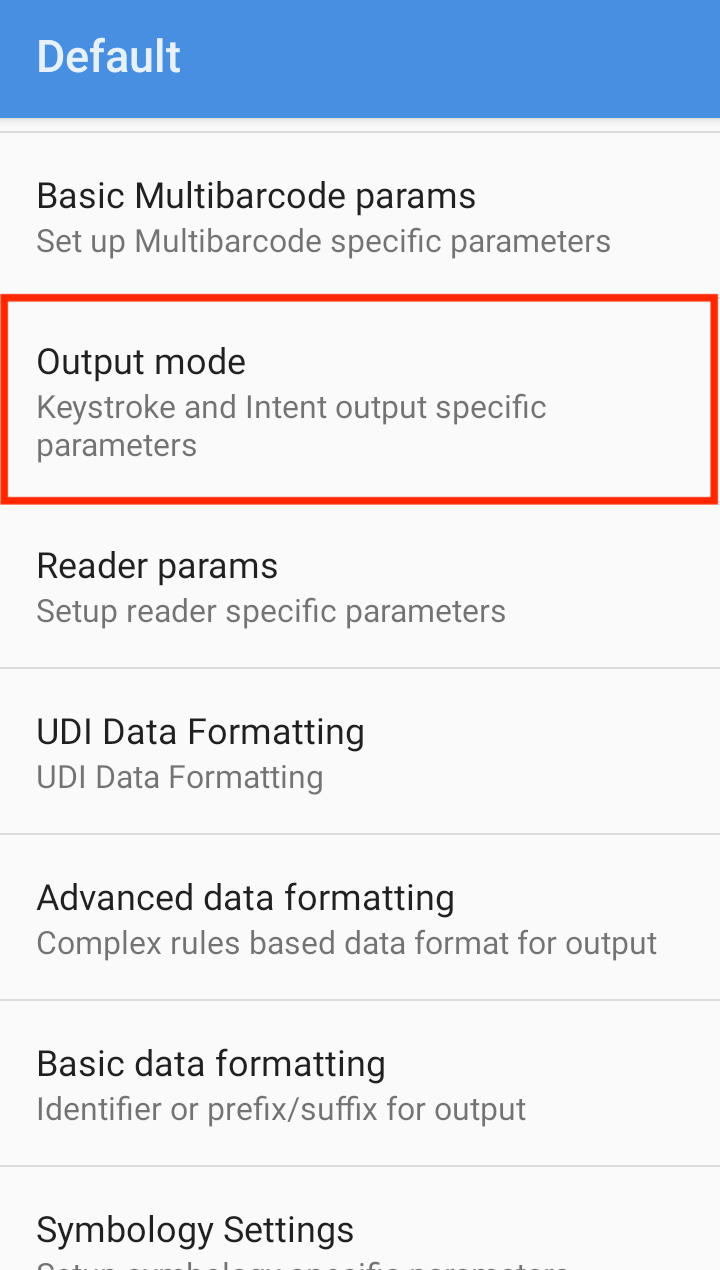 |
| 4. Tap Keyboard type. | 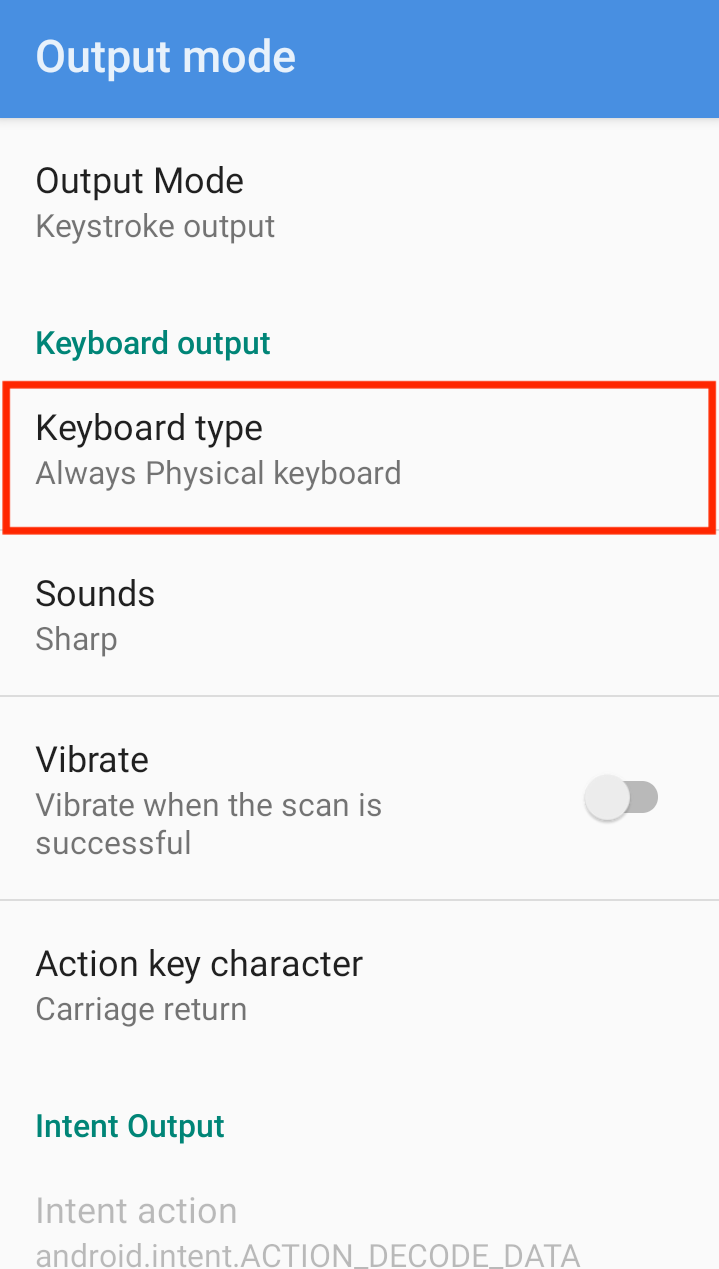 |
| 3. Select Always physical keyboard. | 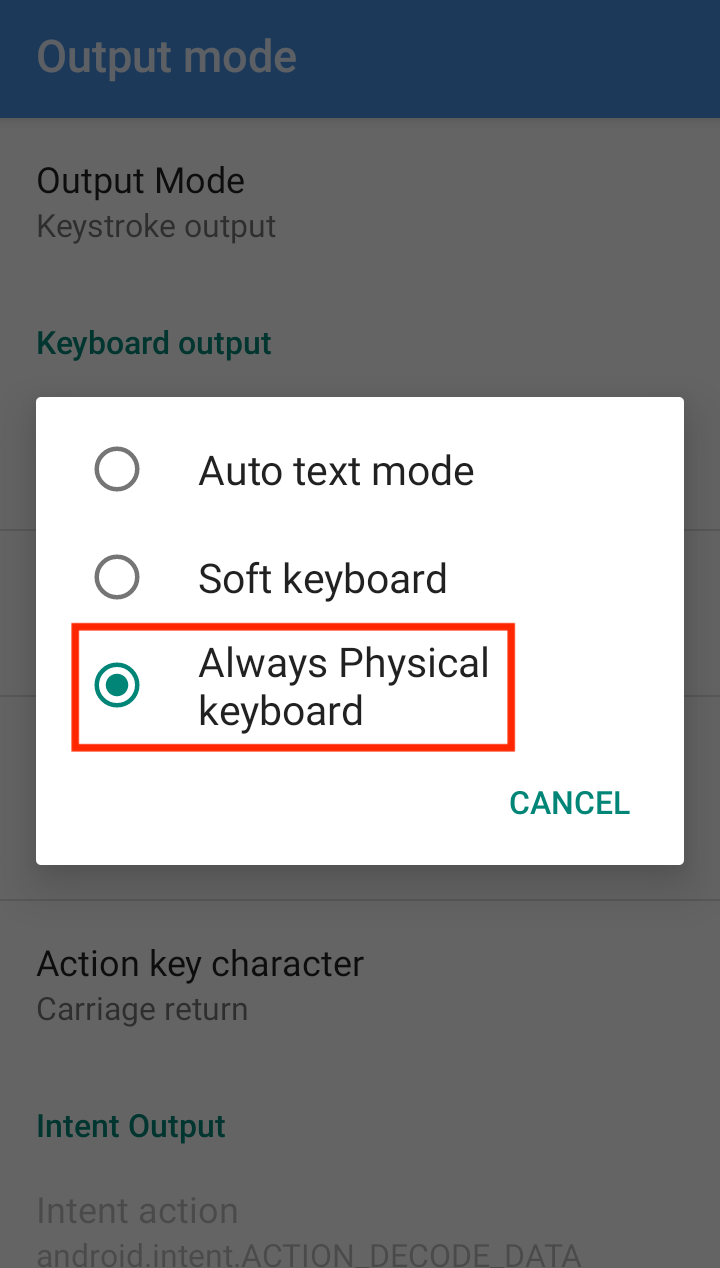 |
Install the TSS Mobile App
1. Navigate to the Play Store app on the device.
2. Set up a new Gmail account for the device. E.g. “dealername_zebra@gmail.com”
3. Search for "TSS Mobile Pro" and install the app.
TIP: Keep a record of the Gmail email and password used to setup the device in a safe place you can access. This information is required to use the Android Find My Device service if your Zebra scanner is misplaced.