Users must be assigned a Super User or Admin role to delete customers.
1. Navigate to the Customers page and search for the customer by name, VIN, etc.
2. Click on the name of the customer to view their profile.
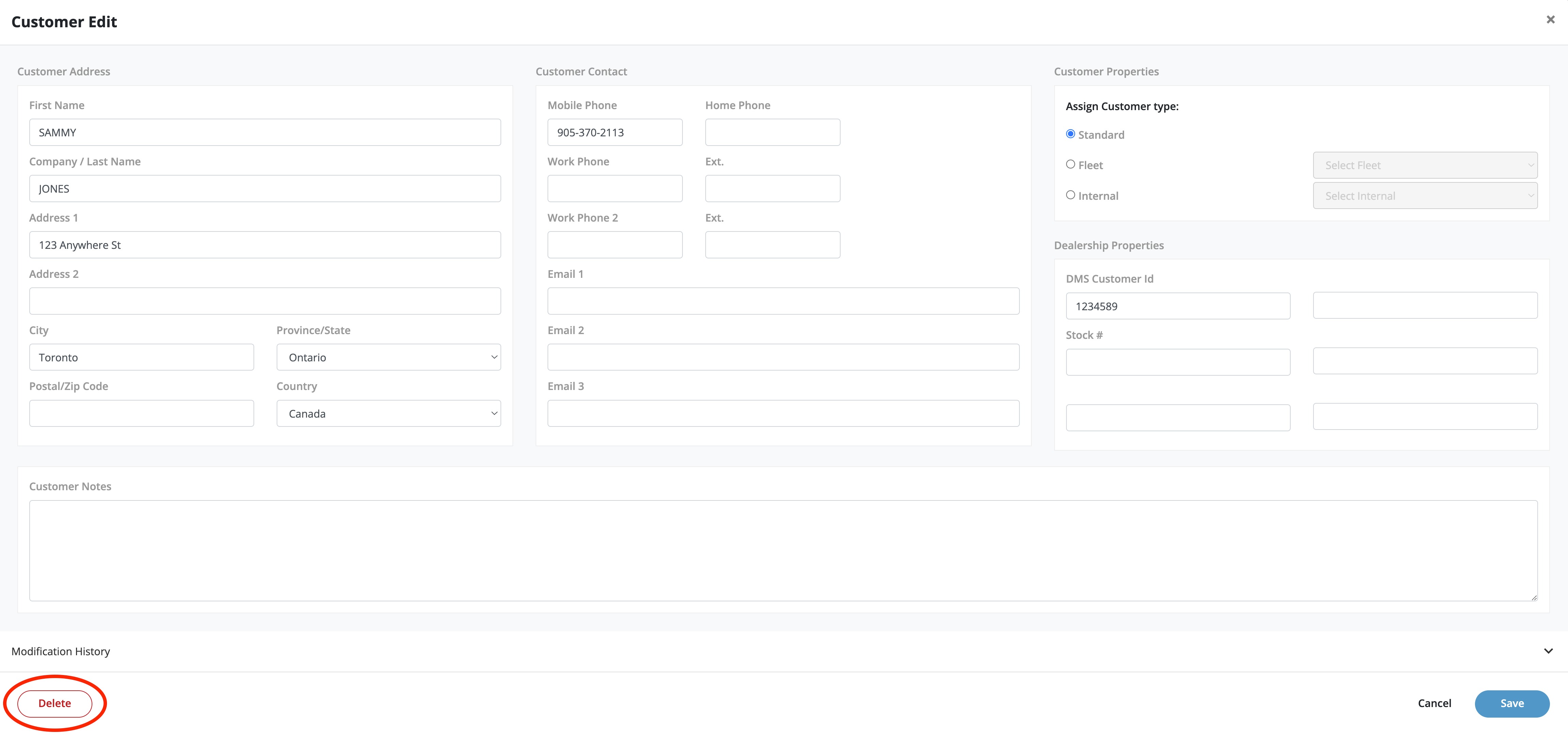
3. Click on the ✎ button to open the Customer Edit window.

4. Click on the Delete button to delete the customer's profile including vehicles and tire sets.
PLEASE NOTE: You can only delete a customer that has no outstanding appointments or tires in storage.