1. Login to the TSS web portal (https://online.tirestoragesolutions.net/).
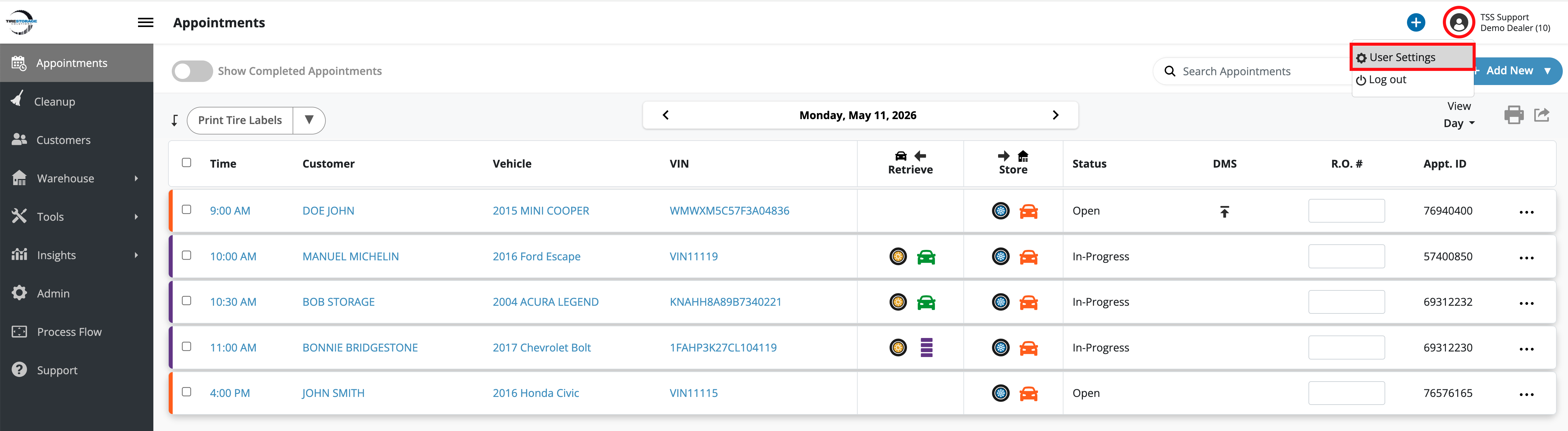
2. Click on the profile icon by your username and select the User Settings option.
3. Click on the Display tab.
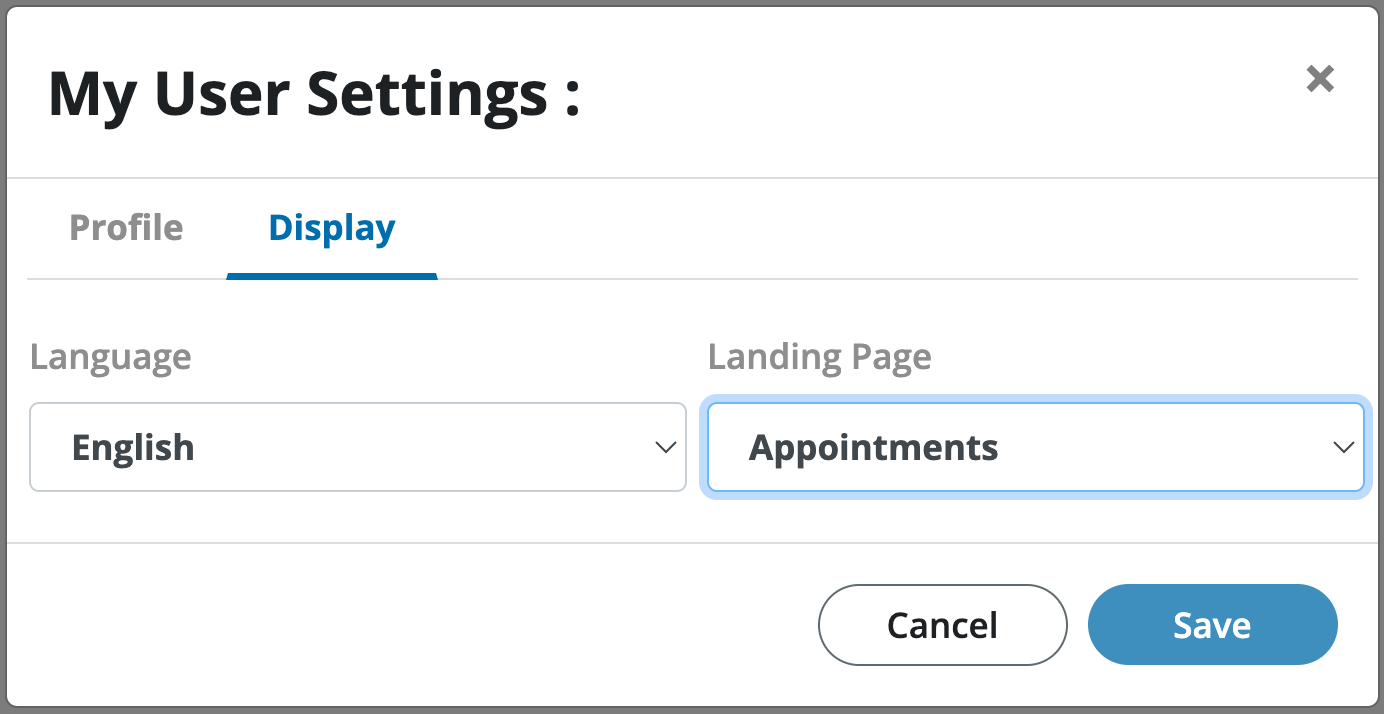
4. Select the desired Landing Page and click Save.
1. Login to the TSS web portal (https://online.tirestoragesolutions.net/).
2. Click on the profile icon by your username and select the User Settings option.
3. Click on the Display tab.
4. Select the desired Landing Page and click Save.